
Lovable Cloud vs Supabase: Which Backend Should You Use?
 Rob13 September 2026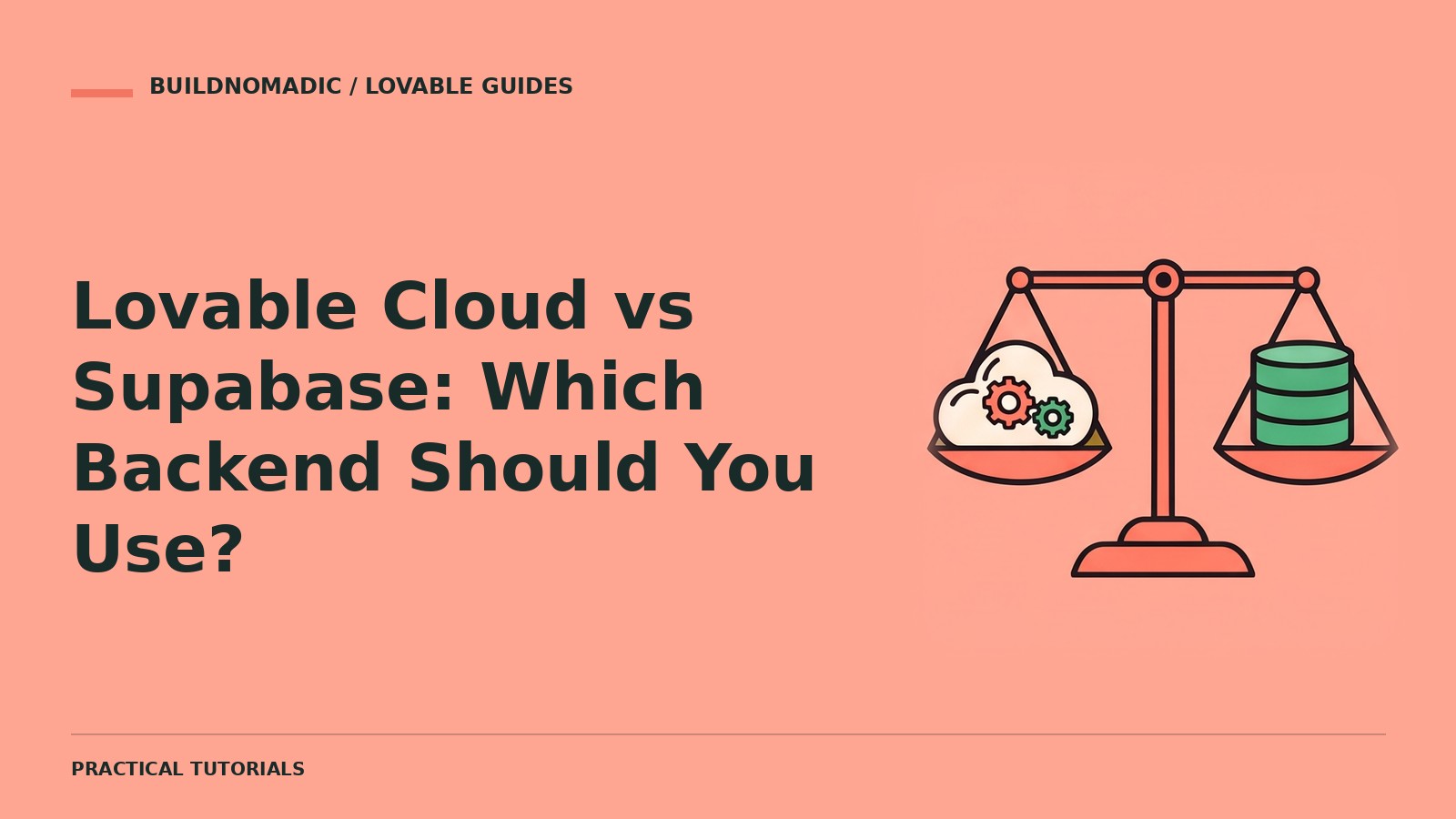
Choose Lovable Cloud if you want an integrated backend managed inside Lovable without a separate backend account. Consider your own connected Supabase project when you already have one or your team needs to manage it directly. Both approaches need careful authentication and data permissions; neither makes an application secure simply by being connected.
What this comparison covers
The decision is between Lovable’s built-in backend and an externally managed project—not between a database and no database. You will compare setup, administration and migration responsibilities. You need an outline of your app and any existing data or accounts. Start a new project through Join Lovable if you need one.
1. Understand what the two options share
Cloud uses Supabase’s open-source foundation and offers a database, authentication, storage and server-side capabilities. Connecting your own Supabase project also supplies backend services, but management and ownership arrangements differ. Do not assume every dashboard feature, setting or workflow is identical.
| Question | Lovable Cloud | Your own connected project |
|---|---|---|
| Separate backend account required? | No separate Supabase account for Cloud setup | Yes, access to your own project |
| Where do you manage it? | Lovable’s backend views | The external project’s management tools |
| Who handles infrastructure? | Lovable manages the built-in service | Your team manages the external project’s settings and responsibilities |
| Where do you review usage? | Lovable’s current Cloud usage and billing controls | The external provider’s usage and billing, separately from Lovable |
| Can existing data move automatically? | Do not assume automatic transfer | Requires a migration when changing backend |
2. Choose based on the app you actually have
For a beginner’s new private task list or small data-backed prototype, Cloud removes separate connection setup. If a team already owns an external database used by other systems, ask whether the app should connect to it rather than duplicate its data. Confirm access permissions and change-control expectations before authorizing anything.
3. Check costs and operational requirements
Review current pricing rather than relying on fixed free allowances in a tutorial. Lovable prompting usage and backend runtime usage are different concerns. Consider data region, backups, email delivery, file volume, expected traffic and access to settings your team needs. Verify a required feature is exposed by the chosen service before committing.
Help me choose a backend for this app. Requirements: a private task dashboard, email and Google login, user-owned files and no existing backend. Compare Lovable Cloud with an external connection against setup effort, operational ownership and current documented limitations. Do not enable or switch anything yet, and do not quote unverified prices.
4. Treat switching as a migration
Do not expect a connection picker to move records, users or files. Inventory schema, data, storage, authentication, policies, server-side behavior and configuration. Database exports alone do not include uploaded files. Test the destination and a rollback plan before moving real users; removal of a backend is not a safe migration shortcut.
Verify your decision
Build one representative feature: sign in, save data, upload a private file and read it back after reload. Test two accounts. Confirm you can inspect policies, monitor usage and obtain the backups your app requires. An option that passes these checks is more useful than one chosen solely from a feature list.
FAQs
Is Cloud only for prototypes?
Do not classify suitability from a label. Evaluate your app’s concrete requirements, capacity and operational controls against the current documentation.
Is either option automatically secure?
No. Ownership policies, protected actions and storage permissions still need testing.
Can I remove Cloud by changing future-project permissions?
No. Future-project controls do not detach the backend already added to a project. Plan any move explicitly.
Official sources and next steps
Read Cloud, external integration and backups and exports. Continue with the live setup guides below and practise on a genuinely remixable project.
Keep learning
How to Connect Supabase to Lovable
Connect your own backend project when appropriate, without confusing an external connection with Lovable Cloud or an automatic migration.
What Is Lovable Cloud? A Beginner’s Guide
Understand Lovable’s built-in backend, including databases, user accounts, file storage and what to check before enabling it.
How to Add User Login and Registration to Lovable
Build email signup, sign-in, sign-out and recovery flows, then protect the pages and records belonging to each account.
Get the next write-up
New builds and articles, straight to your inbox.