
Lovable Agent Mode vs Plan Mode: What's the Difference?
 Rob4 October 2026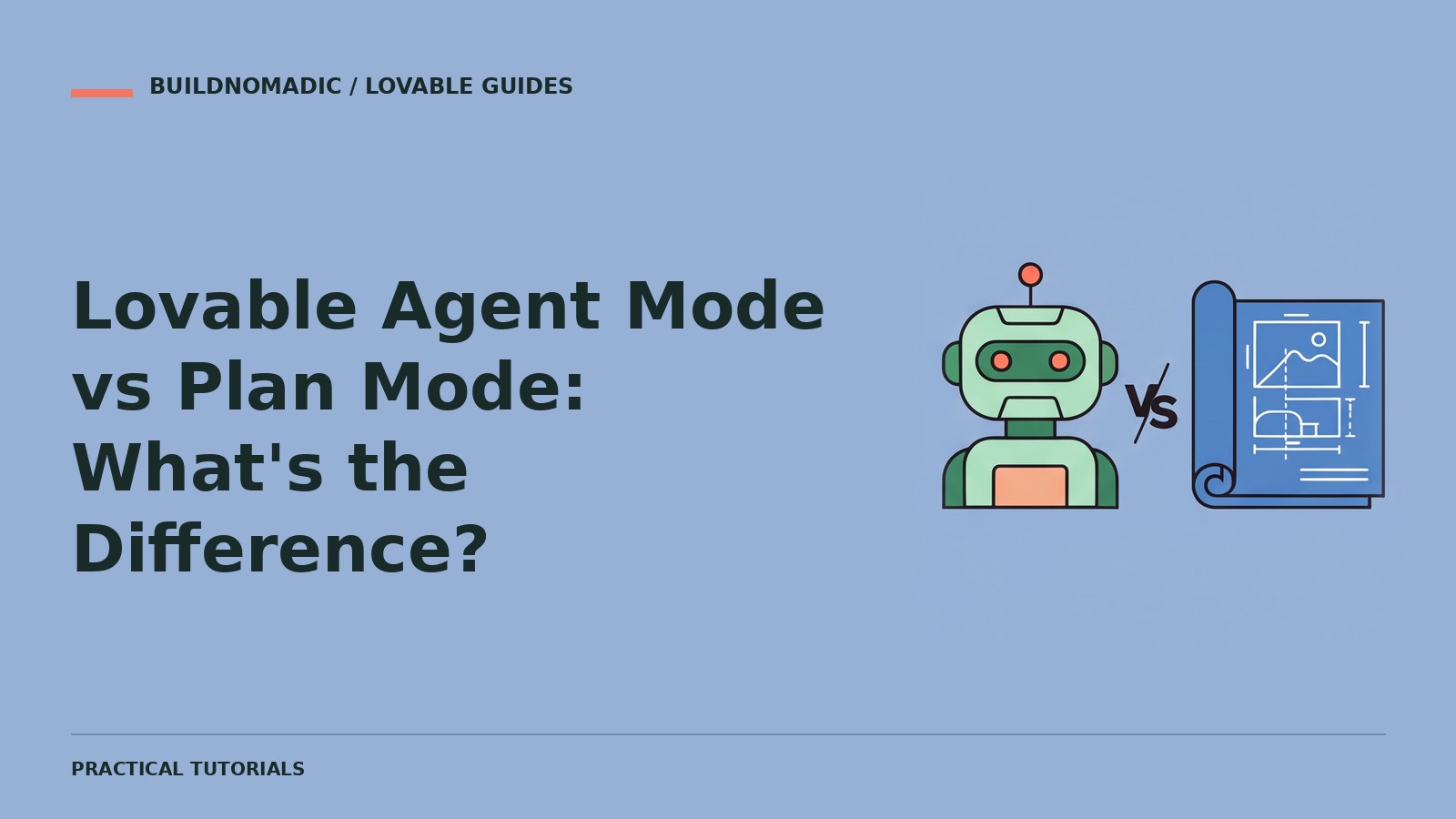
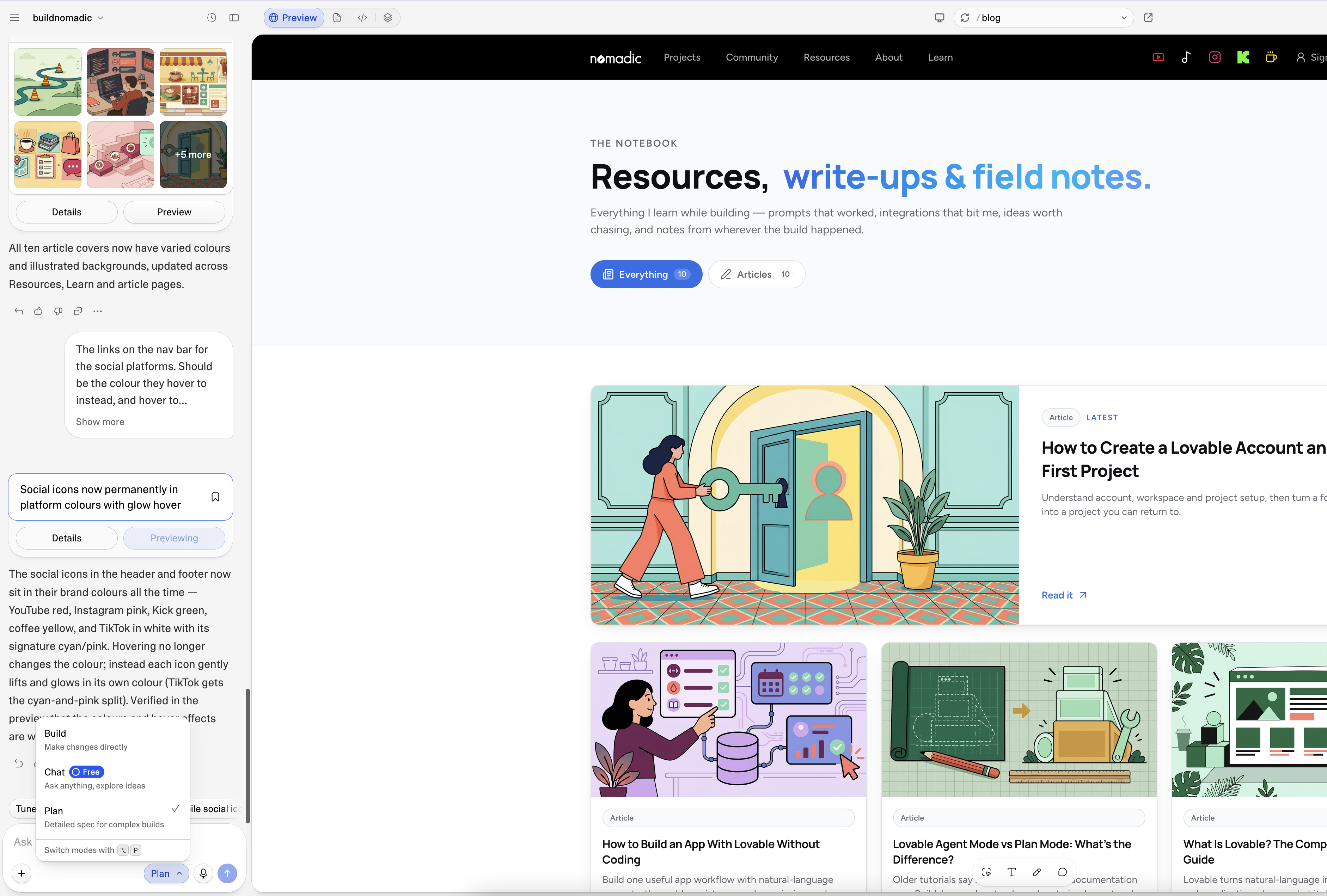
Plan mode is for investigating a task and agreeing an approach before implementation. Build mode is for making and checking changes. Older Lovable material calls the implementation mode Agent mode; the current official documentation describes it as Build. Use Plan when the decision is uncertain, and Build when the requested outcome is ready to implement.
What you need
A Lovable account and a project. Join Lovable if needed. You will learn to choose a mode based on the task, not just the size of the prompt. Product labels may change, so match your editor to the current documentation.
The practical difference
| Task | Useful choice | Expected outcome |
|---|---|---|
| Ask how a feature works | Chat or a discussion-only mode | Explanation without implementation |
| Investigate a recurring bug | Plan | Diagnosis and proposed approach |
| Decide how to store private user records | Plan | Data and access-control plan |
| Make an agreed layout change | Build, formerly Agent | Implemented change to review |
| Implement an approved feature | Build | Working changes and verification |
The mode and your wording should agree. A prompt saying “explain only” is different from “implement this now”. Read the proposed changes before approving them.
1. Start with Plan when requirements are unclear
Imagine adding bookings to a website. You need to decide who can book, what prevents conflicts, which details are stored and how cancellations work. Asking for a finished booking system before those decisions invites guesswork.
Plan a simple appointment-booking feature for this website. Identify the visitor journey, required data, availability rules and access controls. Ask for missing business decisions. Separate the smallest working version from later features. Do not implement yet.
2. Review the plan
Check the scope, assumptions and service requirements. Reject invented prices, opening hours or cancellation rules. A good plan says what you must supply and what will be tested. It should not quietly add payments or user roles you never asked for.
3. Implement an agreed slice in Build
Implement only the approved booking-request workflow. Preserve the current website design and navigation. Add the agreed validation and access controls. Verify that a request saves and reads back, and tell me any remaining setup I must complete.
4. Check the result yourself
Try the real workflow in Preview, including invalid input and any required sign-in. For a data feature, confirm the result is saved and reads back. For a layout change, inspect the affected screen sizes. Publish only after reviewing the result; later changes need another publish.
Common mistakes
Approving a plan without reading it: check assumptions first, especially around data, money and permissions.
Using implementation to explore every option: repeated speculative changes can tangle the project. Discuss or plan uncertain choices first.
Asking Plan to do the final implementation: move to the implementing workflow after agreeing the approach, following the editor's current controls.
Thinking the mode guarantees correctness: neither mode removes the need for testing. Review what was verified and what remains unverified.
Frequently asked questions
Is Agent mode a separate fourth mode?
Not according to the current beginner documentation used here. Build is the current name for the implementing mode previously called Agent.
Should every small change begin in Plan?
No. A clear, isolated correction can go straight to Build. Use Plan when the approach or consequences need discussion.
Does Plan use no credits?
Do not assume that. Modes and tasks can have usage implications; check Lovable's current credits and usage documentation rather than relying on an old tutorial.
Official sources
Build mode, formerly Agent, Plan mode, debugging guidance and credits and usage.
Keep learning
How to Turn a Business Idea Into a Working Lovable Application
Turn a business problem into one tested user journey, with a brief, a small build plan and measurable acceptance checks.
Understanding the Lovable Dashboard and Project Editor
Find your projects and understand the chat, preview and project controls without confusing a draft with a published app.
How to Use Lovable: A Step-by-Step Tutorial for Beginners
Go from a clear first prompt to a tested published project, with a repeatable beginner workflow and prompts you can adapt.
Get the next write-up
New builds and articles, straight to your inbox.