
How to Turn a Business Idea Into a Working Lovable Application
 Rob2 October 2026
Turn a business idea into a Lovable application by defining who has the problem, choosing one useful user journey, writing a constrained brief and testing that journey with realistic inputs. The first goal is a working slice of the product, not a complete business packed into one prompt.
Before you start
You need a specific problem, someone who experiences it and a Lovable account. Join Lovable if needed. Bring any real business rules you already know. This guide uses a customer follow-up tool as a hypothetical example, not a finished project or proof of commercial demand.
1. Write the problem as a short story
For example: “A small service business loses track of customer enquiries. The owner needs to record an enquiry, set the next action and find overdue follow-ups.” This describes a job. “An AI-powered all-in-one platform” does not.
Talk to a potential user before building. Ask what they do now, where the process fails and which action would genuinely help. Do not treat an attractive preview as evidence that people will pay.
2. Define the smallest useful journey
For this example: create an enquiry, assign a next-action date, then filter overdue items. Leave team collaboration, billing and automated marketing for later. Write acceptance checks such as “a saved enquiry appears after refresh” and “an empty customer name is rejected”.
3. Create a constrained planning brief
Plan a customer follow-up app for a small service business. The first user journey is: add an enquiry, set a next-action date and find overdue enquiries. Ask me for the required fields and overdue-date rules. Define the minimum screens, data ownership and validation. Do not add billing, AI features or team collaboration. Do not implement until I approve the plan.
Review the plan's assumptions. Dates, access rights and deletion behaviour are product rules, not harmless details for the builder to invent.
4. Build one approved slice
Implement the approved enquiry workflow only. Add clear empty states and validation. If persistent private records require a backend and sign-in, use the agreed setup and user ownership rules. Do not invent customer data. Confirm which parts are working and which still require my configuration.
Lovable's built-in backend provides data and authentication capabilities, but the project's actual permissions must still be reviewed and tested. Do not load real customer information into an unverified prototype.
5. Verify the acceptance checks
Create an enquiry with test data. Refresh and confirm it reads back. Change its next-action date and inspect the overdue filter. Try missing fields. If accounts are involved, test sign-out and two separate users, checking that private records do not leak between them. Check the same journey on the published app.
6. Let a real user try it
Ask them to complete the task without coaching. Note where they hesitate, fail or use a workaround. Improve that workflow before adding more features. Feedback about “what looked nice” is different from evidence that the tool solved the problem.
Common errors
Too much in the first version: remove features that do not support the initial journey.
Undefined rules: settle date handling, required fields and ownership before expecting predictable behaviour.
Demo data mistaken for real storage: create a fresh record and verify it survives the relevant reload and sign-in flow.
Going live before permission checks: protect private records at the data-access layer; a hidden menu does not provide security.
Frequently asked questions
Should I build the design or database first?
Begin with the user journey and its requirements. A visual prototype can clarify the screens, while persistence and access controls are needed before a private-data workflow is real.
When should I add payments?
When a tested payment workflow is actually part of the first product milestone. Validate the core value before adding commercial complexity unnecessarily.
How do I know the app is ready?
Use concrete acceptance checks and real-user feedback. You may still need security, legal or specialist review depending on the data and business domain.
Official sources
Lovable's idea-to-app guide, prompting best practices, built-in backend and publishing.
Keep learning
How to Build an App With Lovable Without Coding
Build one useful app workflow with natural-language prompts, then add persistence and permissions only when the app needs them.
Lovable Agent Mode vs Plan Mode: What's the Difference?
Older tutorials say Agent mode; current documentation says Build. Learn when to plan, when to implement and how to avoid unwanted changes.
What Can You Build With Lovable? 25 Practical Examples
Explore 25 realistic web project ideas, with sensible first versions and a clear view of which ones need data or integrations.
A project to explore & remix
 Featured Build video
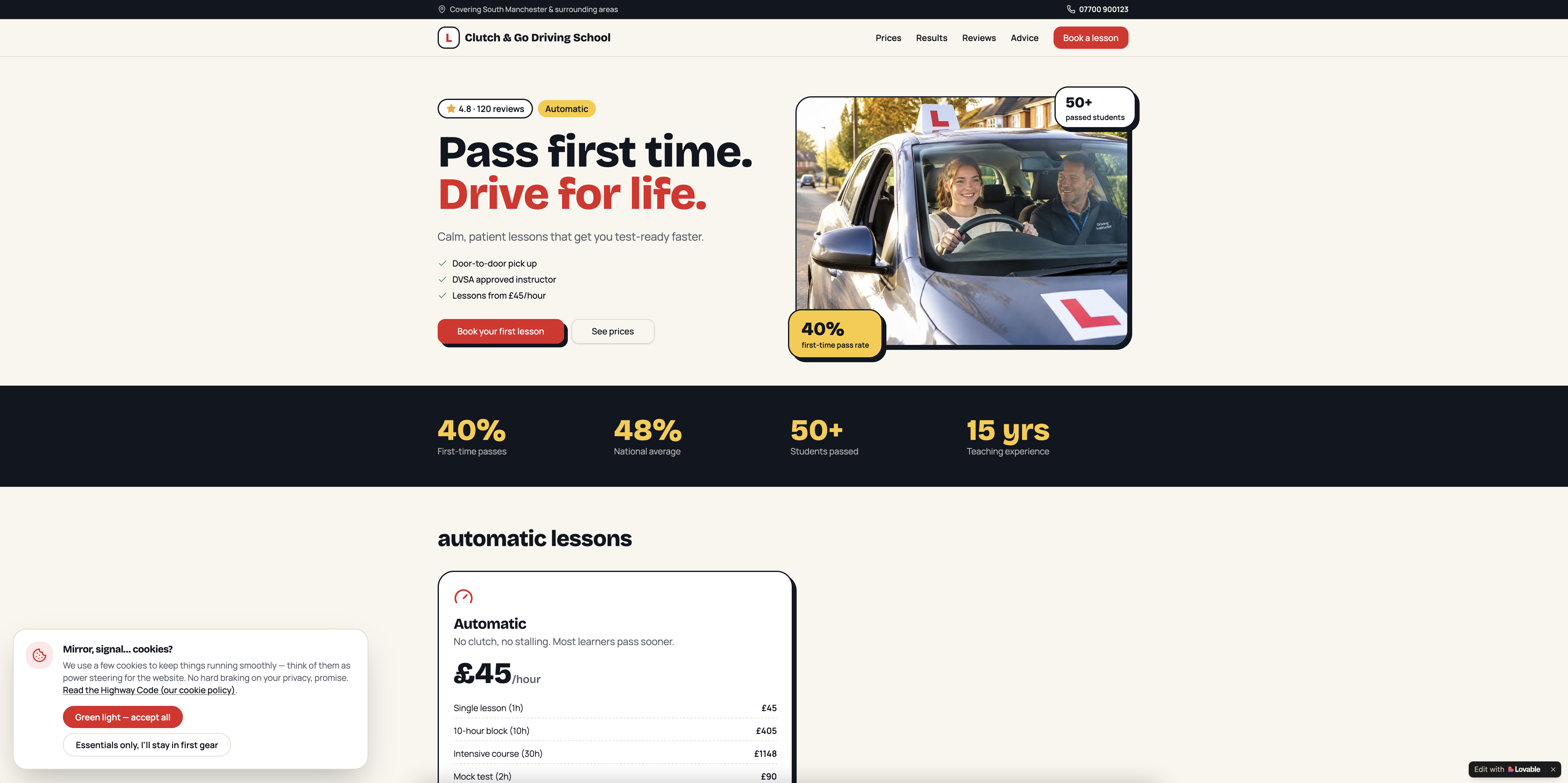
Clutch & Go Driving School - CRM & Website
Get the next write-up
New builds and articles, straight to your inbox.