
What Can You Build With Lovable? 25 Practical Examples
 Rob5 October 2026
Lovable can build websites and web applications from natural-language instructions, including interfaces backed by data, sign-in and integrations. A useful first project is a small web experience with one clear job. The 25 examples below are independent project ideas, not claims that Lovable ships 25 official templates or that these apps already exist on BuildNomadic.
How to use these ideas
You need a browser to explore the list and a Lovable account to build. Join Lovable when you are ready. Choose a problem you understand, name the first user action and identify whether records must be saved. Start with the smallest version you can test.
Informational websites
- Personal portfolio: show selected work and a real contact method. Start without a visitor account.
- Café website: menu, real opening hours and location. Ordering is a later feature.
- Restaurant menu: readable categories and prices. Verify every business fact.
- Event information page: programme, venue and contact details. Tickets require a separate transaction workflow.
- Newsletter signup page: one clear form and a connected destination. Verify a subscriber is actually recorded.
- Service business website: explain the service and accept enquiries. Use only genuine reviews.
- FAQ resource: searchable questions and concise answers. Keep source material current.
- Product catalogue: browse items and details. A catalogue is not automatically a checkout.
Personal tools
- Habit tracker: add a habit and mark today's completion. Decide how progress persists.
- To-do list: add, complete and remove tasks. Test empty and duplicate input.
- Reading log: record books and status. Keep the initial data model small.
- Recipe organiser: save recipes and filter by category. Use content you can legally publish.
- Study planner: tasks grouped by subject and date. Avoid adding notifications before the plan works.
- Travel itinerary: organise stops and notes. Do not assume live travel data without an integration.
- Expense tracker: record amounts and categories. Protect financial information and avoid presenting it as regulated advice.
Business and team applications
- Simple CRM: add a contact, update their status and find them again. Private customer data needs access controls.
- Booking-request tool: submit a request and review it. Real-time availability is a separate rule to define.
- Class schedule: list sessions and details. Enrolment may need capacity and account logic.
- Inventory list: edit item counts and find low-stock entries. Test simultaneous updates before relying on it operationally.
- Customer feedback board: submit feedback and track its status. Decide whether feedback is public or private.
- Team directory: search approved staff information. Do not publish private contact details by default.
- Job board: browse genuine vacancies. Publishing and applicant handling need clear permissions.
- Appointment dashboard: view and manage appointments. Specify who may see each record.
Integration-led projects
- Document question-answering assistant: answer from approved documents and identify unsupported answers. AI usage, file privacy and source quality matter.
- Online store: products, cart and a verified payment flow. Provider setup, fulfilment and current integration requirements remain your responsibility.
Pick a sensible first version
Score an idea against three questions: can you explain the user's task in one sentence; can you test the first version yourself; and do you have the content or service access it needs? A simple catalogue is a better first milestone than an entire marketplace with sellers, payouts and moderation.
Help me scope a first version of [chosen idea] for [audience]. The main task is [one action]. List the minimum screens and data needed, explain which services are necessary, and separate later features. Ask for missing facts. Do not implement until we agree the scope.
How to verify an example works
Test the named action from start to finish. A CRM must save and retrieve a contact; a newsletter page must record a subscriber; a store must complete a test transaction with the provider. A pleasing screen is not proof of those outcomes.
Common pitfalls
Choosing the largest idea first: build one complete slice and add complexity later.
Assuming integrations are automatic: check provider access, setup and costs before relying on them.
Using fictional business content: example briefs are fine for practice, but replace them before presenting the site as real.
Frequently asked questions
Are these downloadable templates?
No. They are practical ideas. The live project recommendations below, when available, are actual BuildNomadic projects you can explore separately.
Can these work on phones?
Web applications can be designed for phone browsers. Native app-store distribution is a separate requirement, not something this list promises.
Which idea is easiest?
A focused informational website with supplied content usually has fewer moving parts than an app with payments, accounts and private data.
Official sources
Capabilities are grounded in Lovable's introduction, prompt library, built-in backend, AI features and Shopify integration.
Keep learning
How to Turn a Business Idea Into a Working Lovable Application
Turn a business problem into one tested user journey, with a brief, a small build plan and measurable acceptance checks.
What Is Lovable? The Complete Beginner's Guide
Lovable turns natural-language instructions into editable web applications. Learn what it does, where it fits, and how to approach your first build.
How to Build Your First Website With Lovable
Build a focused business website, replace sample content with real facts, test its links and publish a version you can share.
A project to explore & remix
 Featured Build video
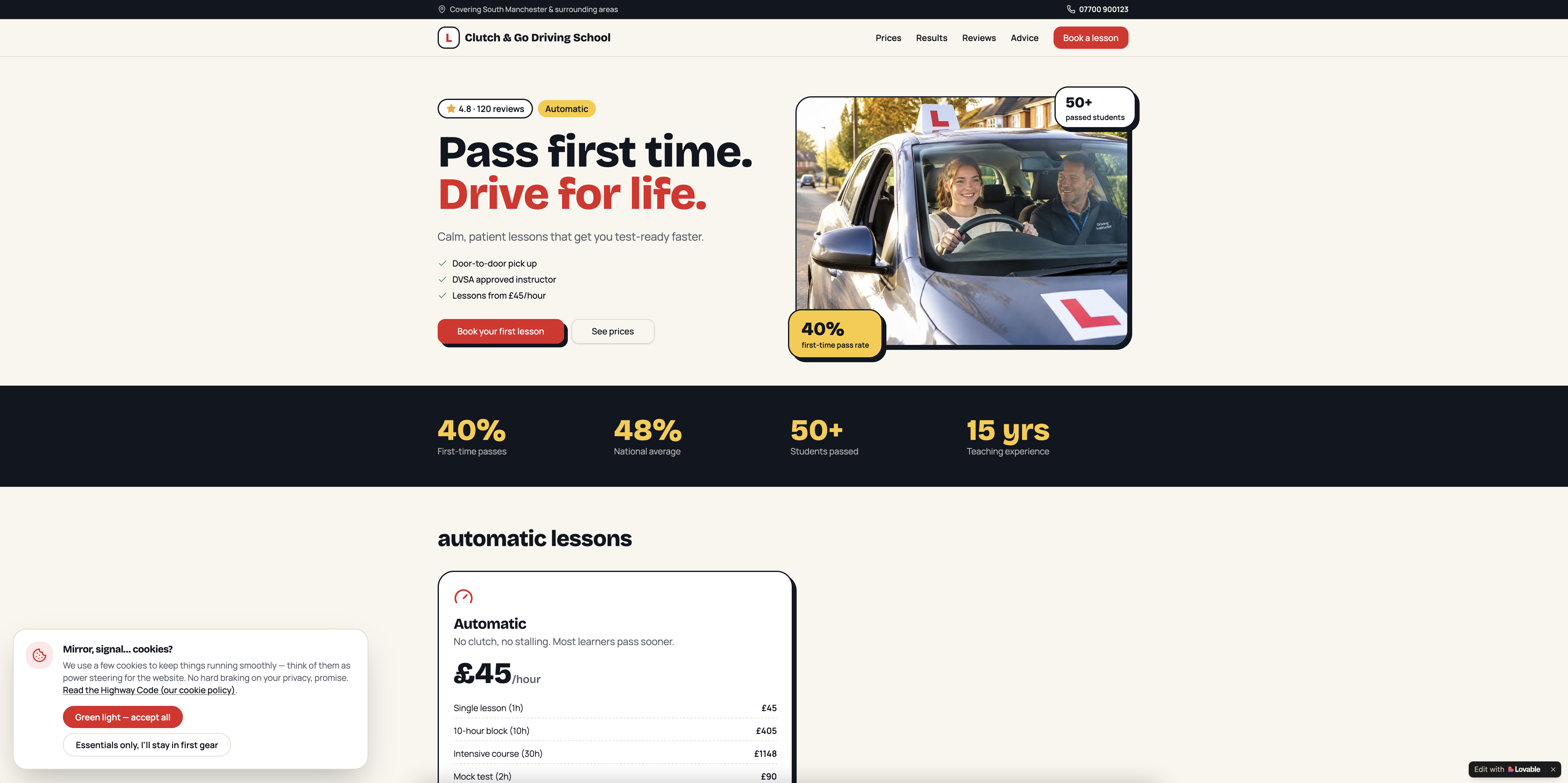
Clutch & Go Driving School - CRM & Website
Get the next write-up
New builds and articles, straight to your inbox.