
How to Create SEO-Friendly Pages, Titles and Descriptions in Lovable
 Rob27 August 2026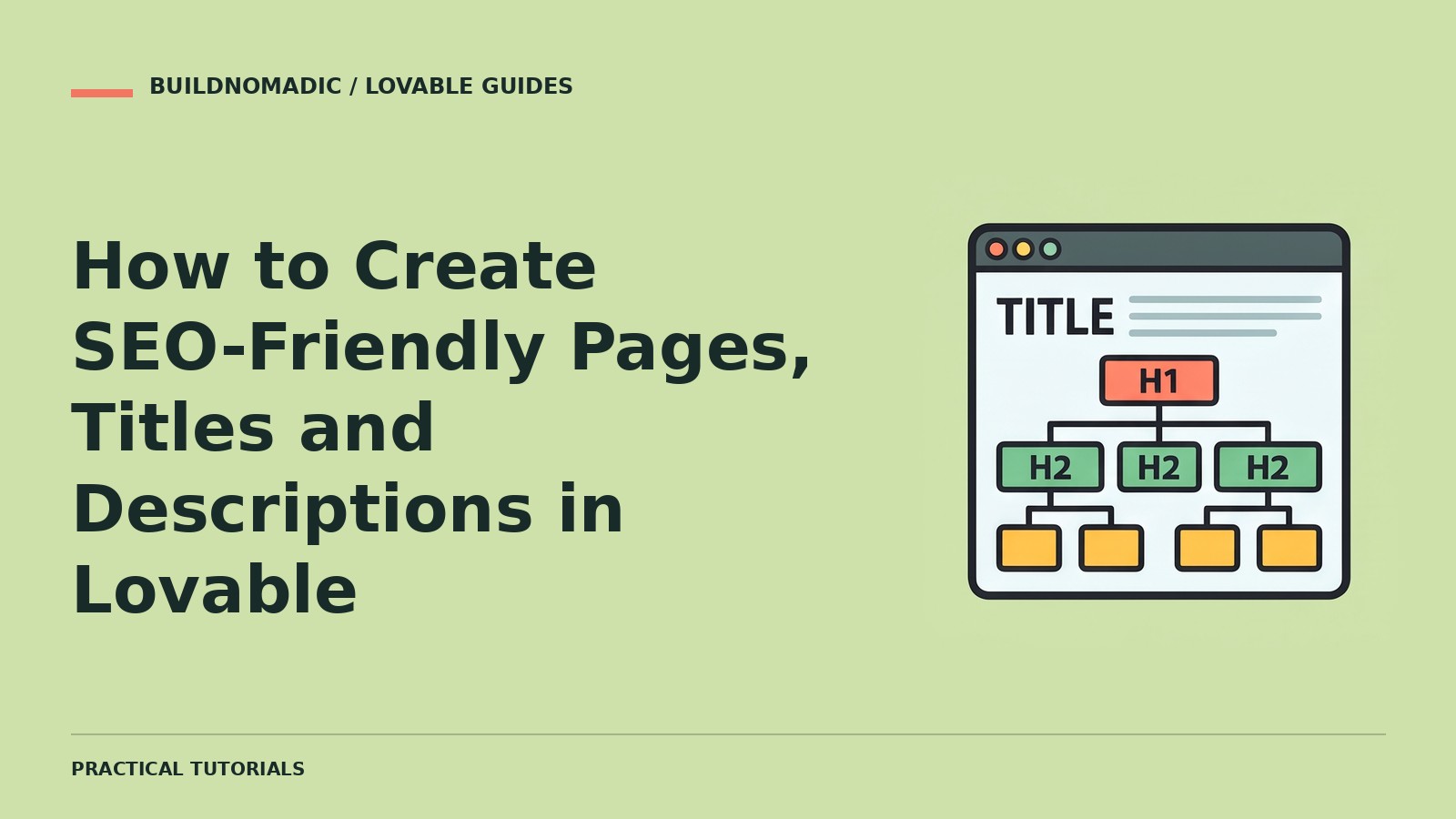
To create SEO-friendly pages in Lovable, ask Lovable in project chat to give every important page a unique SEO title, a meta description, exactly one H1 and Open Graph tags. You can check the result on each page with the Social and Search previews above the editor preview, and with the SEO & AI review.
Before you begin
- A Lovable project with the pages you want found. If you have not built one yet, join Lovable and start.
- A short list of your pages and the search term each one should target.
What makes a page SEO-friendly
- One topic per page. Each page targets one clear question or term.
- A unique title. Around 50–60 characters, with the main term near the front.
- A unique description. Around 140–160 characters that tell the searcher what they get.
- Exactly one H1, with H2s and H3s in a logical order beneath it.
- Descriptive URLs where possible, such as
/blog/how-to-publish-a-lovable-website. - Open Graph tags — title, description and a sharing image — so links look right when shared.
Set titles and descriptions
-
List your important pages and the term each one targets.
-
Ask Lovable in chat:
Give every important page a unique SEO title of at most 60 characters and a meta description of at most 160 characters. Each page targets this term: [page → term list]. Keep one H1 per page and make the description describe what the visitor gets.
-
Review what Lovable changed — titles and descriptions are set per page, not globally, so check each one reads naturally rather than keyword-stuffed.
-
Add the sharing image: ask Lovable to set an Open Graph image for the pages that matter, then check it renders.
Check the previews
Use the page selector above the preview and inspect each page’s Social and Search previews — they show the title, description and sharing image exactly as search results and link previews render them.
Then run the SEO & AI review (More → Analytics → SEO & AI) and let it catch anything missed, and publish so search engines can see the result.
How to verify it works
- The Search preview shows a unique, correctly sized title and description per page.
- The Social preview shows the right image and text when the page is shared.
- The SEO & AI review reports no duplicate or missing metadata.
- View the live page source: the
<title>, description andog:tags match.
Common errors and fixes
- The same title on every page. The initial metadata is usually generic — apply the prompt above per page.
- Titles cut off in results. They are too long; trim to about 60 characters.
- More than one H1. Ask Lovable to demote the extras to H2.
- Changes not visible in search. Publish, then give indexing time — and request indexing for priority pages via Search Console.
Frequently asked questions
Do meta descriptions affect ranking? They mostly affect whether people click; rankings come from content quality and other signals.
Can I edit titles without chat? Yes — Lovable can make these changes when you ask, and they live in your project’s code and page settings either way.
How long until changes show in Google? After publishing, days to weeks; URL Inspection in Search Console can speed up re-crawling of priority pages.
Should every page have a description? Yes for pages you want found; it is the pitch shown under your title in results.
Official sources and next steps
Next: connect Google Search Console and start watching which queries bring people in. If you need a project for this, join Lovable and build one.
Keep learning
How to Improve SEO on a Lovable Website
Run Lovable’s built-in SEO & AI review, fix the findings, give every page a unique title and description, and connect Google Search Console — then keep publishing useful content.
How to Add Google Analytics to Your Lovable Application
Create a Google Analytics connector with your GA4 measurement ID, ask Lovable to link the project, and gtag.js loads on your pages — confirm it in the GA4 Realtime report.
How to Make a Lovable Website Load Faster
Measure the published site with PageSpeed Insights, compress images and use WebP or SVG, host video externally, then ask Lovable to fix whatever the report finds.
Get the next write-up
New builds and articles, straight to your inbox.