
How to Change the Branding of a Remixed Lovable Project
 Rob16 October 2026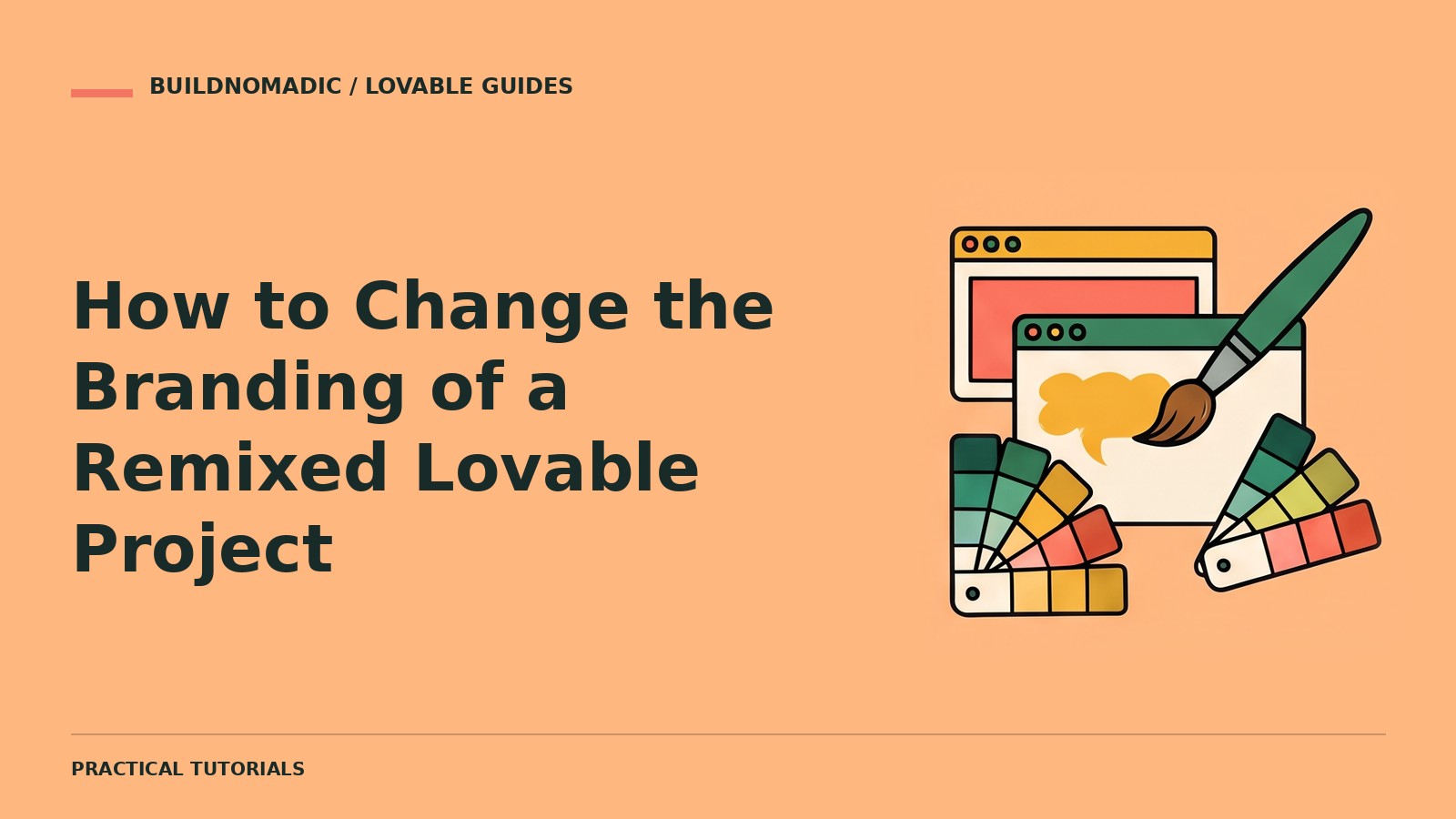
Rebrand a remixed Lovable project by supplying your own brand assets and asking for a scoped update across visible pages, shared design settings and metadata. Verify the whole app afterward: changing a homepage logo does not automatically change emails, browser titles or provider branding.
What you will learn and need
You will learn how to prepare a brand brief, update a working copy and catch leftover source branding. You need your own remix, an approved name, logo, colours and copy, and permission to use your images. Join Lovable if you still need an account, then follow the remix guide.
1. Inventory the existing brand
Ask Lovable to identify the current name, logo, favicon, page titles, social-sharing descriptions and repeated content. Include logged-in pages and error states. Separate design assets from private service configuration. Do not assume a remix’s domains or service connections transfer from the original.
Audit this project for branding without editing anything. List visible uses of the old brand, shared colours and fonts, page metadata, favicon, email text and externally managed provider branding. Separate app changes from changes I must make in connected services.
2. Provide an explicit brand brief
Use real values rather than “make it professional.” Describe the audience, tone and assets to use. Give missing business details later instead of allowing invented contact information, testimonials or addresses. Keep essential routes and user flows unchanged.
3. Apply a coherent visual update
Request shared styles so buttons, links and form states remain consistent. Preserve contrast, visible focus states and readable text. If your logo has multiple versions, say which is intended for dark and light backgrounds. Ask for neutral layouts that allow the actual product content to lead.
Rebrand this app as [approved name] using the supplied logo, images and brand brief. Update shared styling, navigation, footer and public page metadata consistently. Preserve all existing routes, account permissions and working forms. Flag missing content; do not invent claims or customer quotes.
4. Check less-visible surfaces
Inspect account screens, empty states, email subjects and social previews. OAuth provider branding and transactional-email sender settings may be controlled outside the app. Review those services separately. Connecting a new domain also requires configuration; it is not inherited from the original remix.
5. Verify before publishing
Test a complete workflow, not only appearance. Check keyboard navigation, long headings and mobile forms. Confirm links still lead to the intended pages and that old external links have not accidentally become your business links.
Common errors
- Mixed old and new colours: ask for shared design settings rather than individual page patches.
- Old title in a shared link: inspect page metadata and allow external preview caches to refresh.
- Google still displays the old identity: review the provider’s own branding settings; app styling alone does not control that screen.
- Brand refresh breaks behaviour: keep styling separate from unrelated logic changes and rerun the original workflow.
Frequently asked questions
Can I ask for a new logo?
Yes, but review its suitability and rights. Supply your approved final asset before launch.
Does rebranding change the original project?
No. Your remix is an independent copy.
Should I replace every component?
Not necessarily. Updating the shared visual system often preserves more of the working app.
Official sources and next steps
Remix a project, Plan mode and Custom domains. This is a recommended rebranding workflow, not an official mandatory sequence. Next, configure the remix before launch.
Keep learning
What Happens When You Remix a Lovable Project?
Understand exactly what a Lovable remix copies, what stays behind and why the copy is not automatically launch-ready.
How to Add Features to an Existing Lovable Project
Plan a scoped feature, define acceptance checks and preserve the parts of your Lovable app that already work.
How to Share Your Lovable Projects With Other People
Choose between a live website, preview link, collaborator invitation and remix link without granting the wrong access.
Get the next write-up
New builds and articles, straight to your inbox.