
How to Create an AI Chatbot Using Lovable
 Rob4 September 2026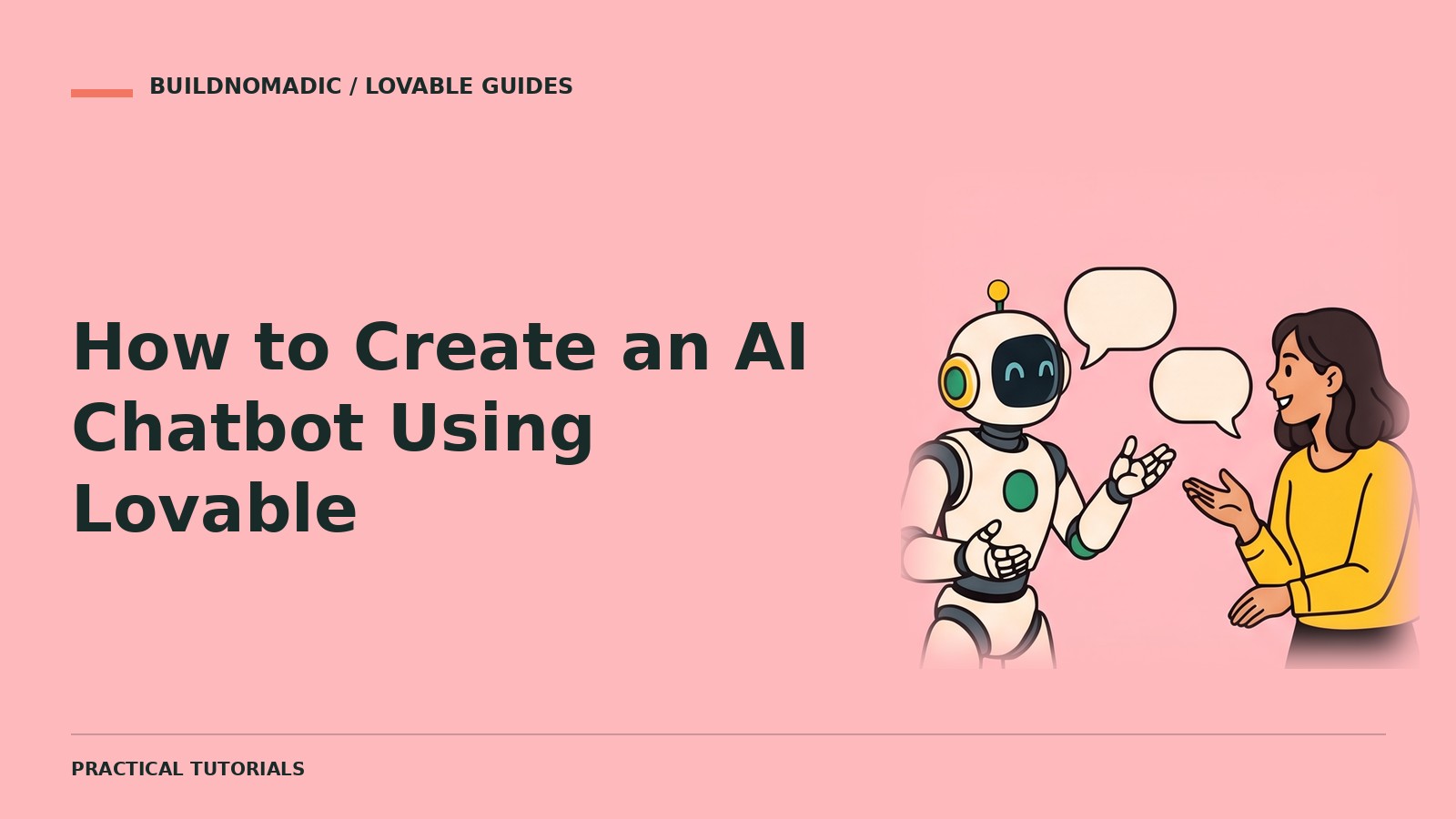
To create an AI chatbot in Lovable, ask for a focused in-app chatbot using Lovable’s built-in AI features. Define what it can answer, what it must refuse and when it should hand over to a person. Test real questions, failures and private-data boundaries before publishing.
What you need
You need a project and a clear support or guidance use case. For a new project, Join Lovable. Lovable’s built-in AI feature does not require you to bring a provider API key.
1. Define the chatbot’s job
Choose one purpose, such as answering published help-centre questions. Avoid “answer anything”. Decide whether conversations are saved, who can view them and how long they are retained.
2. Ask for a bounded chatbot
Add a help chatbot using Lovable’s built-in AI features. Answer only from our published help content. If the answer is not supported, say so and offer the contact page. Never reveal private account information. Show loading and error states, stream responses if supported and do not save conversations unless I approve a retention policy.
3. Test useful and difficult questions
Ask common questions and compare answers with the source content. Try unsupported, misleading and harmful prompts. Confirm the chatbot admits uncertainty instead of inventing policies.
4. Review cost and privacy
AI usage may incur cost. Check usage controls and avoid sending unnecessary personal information. Tell users they are interacting with AI.
FAQs
Can it use my own documents?
Lovable supports document question-answering patterns. Confirm the source content and access permissions before indexing private material.
Can AI replace support staff?
Use it to help, not to make unsupported promises. Provide a human contact route.
Why are answers inconsistent?
Narrow its sources and instructions, then test representative questions after each change.
Official sources and next steps
Keep learning
How to Add AI Features to an Existing Lovable Project
Add summaries, classification or AI assistance to a working project without breaking existing flows.
How to Connect an External API to Lovable
Choose a connector or direct integration, keep credentials private and test real API responses and failures.
How to Add Email Notifications Using Resend
Connect Resend when you specifically need it, send from a verified domain and test real notification delivery.
Get the next write-up
New builds and articles, straight to your inbox.