
10 Common Beginner Mistakes When Using Lovable
 Rob3 October 2026
The most common beginner problem is treating a generated screen as a finished product. A clearer brief, smaller changes and concrete tests prevent many avoidable mistakes. These ten pitfalls are practical patterns to watch for, not a measured ranking or a claim that every beginner makes them.
Before you start
You can use this checklist with any Lovable project. If you have not built one yet, join Lovable and start with a small useful task. You will learn what to change in your workflow and how to verify the improvement.
1. Starting with a vague prompt
“Build the best app” leaves the audience and behaviour undefined. Name the user, their task, the minimum screens and the result they should achieve. Include real content or explicitly ask for missing facts.
2. Building everything at once
Accounts, payments, AI, teams and notifications all add moving parts. Finish one complete journey before introducing the next. A smaller tested product is more useful than a broad set of disconnected screens.
3. Letting the builder invent business facts
Do not publish generated opening hours, prices, addresses or testimonials as truth. Supply them or leave them out. Label practice examples clearly and replace sample content before launch.
4. Redesigning unrelated parts during a small fix
State the exact page and protect the working parts. “Make the menu easier to scan; keep navigation and the contact page unchanged” is more actionable than “make it better”.
5. Confusing a form with a working service
A form can display a success message without delivering anything. Submit real test input and verify the record or message at the destination. Check failure and validation states as well.
6. Adding a backend without a reason
A basic informational page may not need a database or accounts. Decide whether records must persist, be shared or belong to a user. Review connected-service usage and configuration before accepting complexity.
7. Trusting a hidden screen as security
Private data needs access controls where records are read and changed. Test with two users. If one can access another's records, stop using real information and fix the underlying permissions.
8. Repeating blind fix prompts
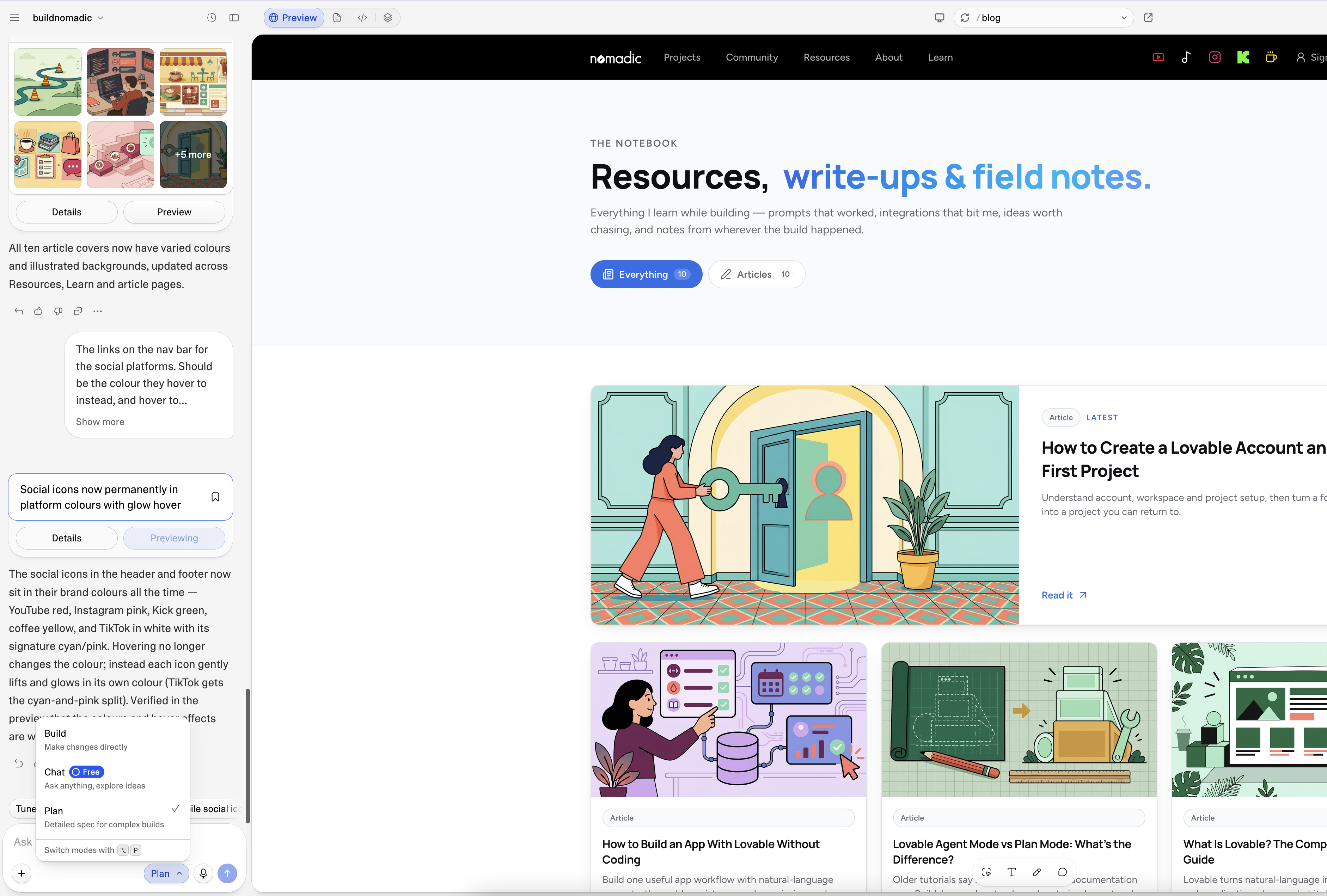
Provide the current behaviour, expected behaviour, exact error and reproduction steps. For persistent problems, use Plan to investigate before another implementation attempt. Screenshot evidence can help if private details are removed.
Investigate this issue without changing code yet. Steps: [exact steps]. Expected result: [expected]. Actual result: [actual]. Error: [message]. Identify the root cause and propose the smallest fix. Preserve unrelated working features and tell me how we will verify the result.
9. Checking only the happy path
Try blank input, invalid values, repeated actions, sign-out and reload. If a feature depends on an account, test it while signed in. If it writes data, confirm the same result reads back through the app.
10. Forgetting that publishing is a separate step
Editor changes do not automatically replace the last published version. Review and publish the tested changes, then check the deployed address. Do not blame a visitor's browser before confirming the change actually reached the published version.
A practical pre-publish check
Review the main user journey in this project. Check for invented business facts, broken links, forms without real destinations, invalid-input handling and private-data permissions. Fix only confirmed issues. Report what you verified and any checks that still need my access or decisions.
Independently repeat the important checks. Do not interpret an automated summary as a guarantee of security or suitability for regulated uses.
Common recovery questions
Should I restart the project after every error?
Usually not as a first response. Reproduce the error and investigate its cause. History or revert can help with tangled code changes, but external data and service actions require separate review.
Can I attach an error screenshot?
Yes, screenshots can clarify a visible issue. Remove passwords, tokens, customer information and other private details first.
Is a successful preview enough to launch?
No. Check the relevant published workflow, content accuracy, permissions and any connected service. The required review depends on what the product does.
Official sources
Lovable prompting guidance, debugging, Plan mode, built-in backend and publishing.
Keep learning
How to Use Lovable: A Step-by-Step Tutorial for Beginners
Go from a clear first prompt to a tested published project, with a repeatable beginner workflow and prompts you can adapt.
Lovable Agent Mode vs Plan Mode: What's the Difference?
Older tutorials say Agent mode; current documentation says Build. Learn when to plan, when to implement and how to avoid unwanted changes.
How to Build an App With Lovable Without Coding
Build one useful app workflow with natural-language prompts, then add persistence and permissions only when the app needs them.
Get the next write-up
New builds and articles, straight to your inbox.