
How to Break Large Lovable Projects Into Smaller Tasks
 Rob8 October 2026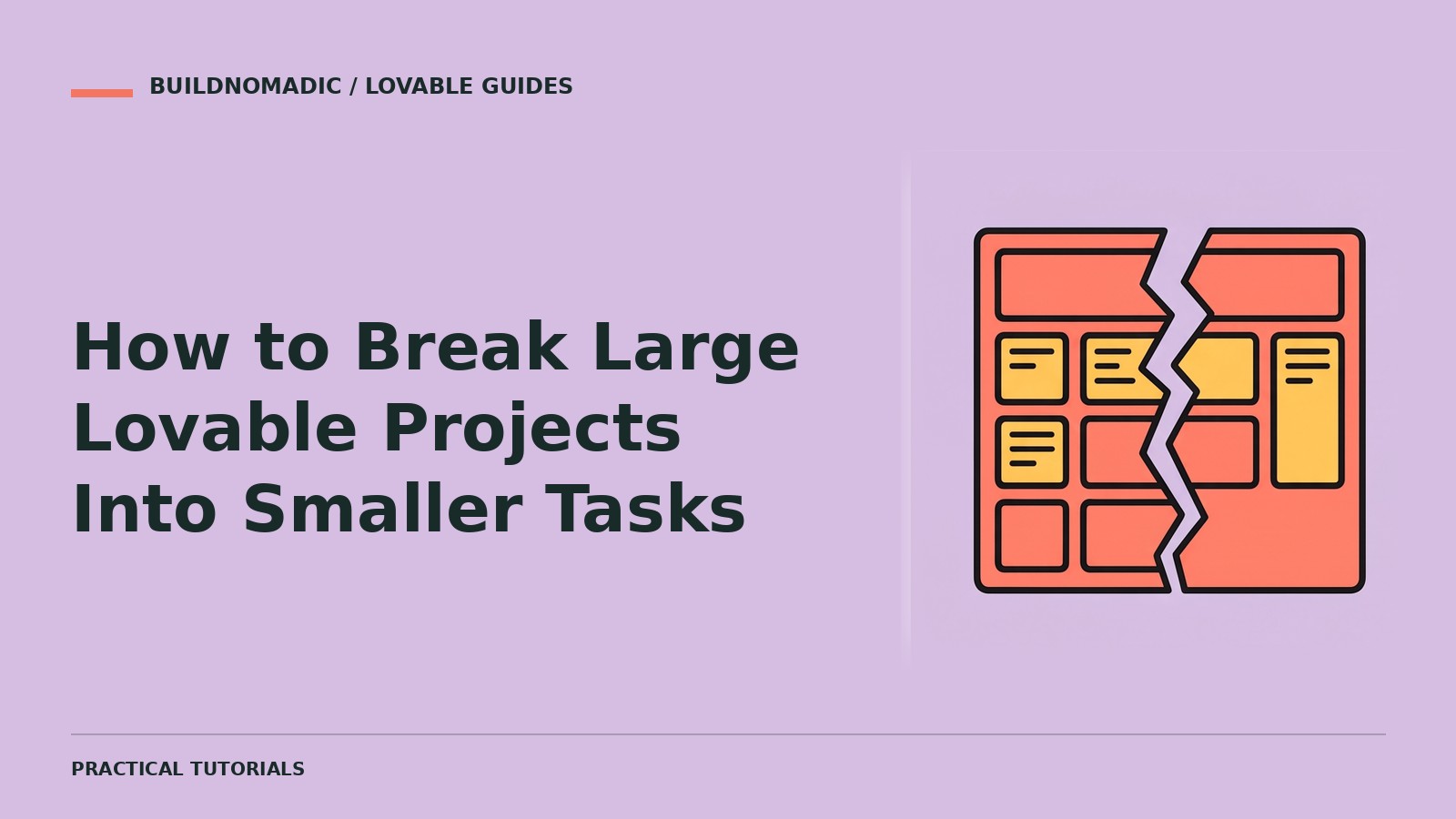
Break a large Lovable project into small, testable outcomes rather than a long list of unrelated edits. Start with the core user journey, identify dependencies, and make each task end with behaviour you can verify. Use Plan mode to organise the work before building unfamiliar or connected features.
What you will learn and need
You will create a task sequence, avoid incomplete screen-only milestones and keep later work from expanding the current request. You need a project brief and the main journey you want to support. Join Lovable if you are beginning a new project.
The example below is a teaching outline for an enquiry tracker, not a claim that these features already exist in a published project.
1. Define a vertical slice
A vertical slice is one useful action through all the parts it needs. “Submit an enquiry and read it back after refresh” is more meaningful than “build all forms” followed by “build all storage.” It exposes missing behaviour early.
For a private enquiry tracker, the first slice may require sign-in and access rules before saving records. Do not postpone essential privacy until a final polish stage.
2. Identify dependency order
Ask what must exist before a task can succeed. Private records need authenticated users and enforced access. Search needs real records to search. Notifications need a confirmed trigger and a configured service.
A sensible example sequence is:
- Confirm users, fields, privacy and the core journey.
- Set up account access and the minimum stored enquiry flow.
- Verify creating, refreshing and reading an enquiry with appropriate access.
- Add status editing and test persistence.
- Add search and filters with known test records.
- Improve layouts and test the complete journey before release.
The exact order depends on your app; do not copy this sequence if its assumptions do not fit.
3. Give each task a contract
Each task should state the goal, scope, prerequisites, unchanged features and success check. Avoid “finish the backend” because it is too broad to inspect or verify.
Task: Add status editing to existing enquiries.
Prerequisite: Users can already create and read their own enquiries.
Scope: Change an enquiry between the confirmed statuses [list].
Preserve: Account access, existing records, enquiry creation and navigation.
States: Saving, success and failure; keep the current value if saving fails.
Success: Change a status, refresh, and read the new status back.
Also verify that another user cannot change this enquiry.
4. Ask Plan mode for a staged task list
Break this app brief into small tasks in dependency order: [brief].
Prioritise one end-to-end journey over building every screen first.
Give each task a scope boundary and a practical verification step.
Flag unresolved decisions and external service setup.
Plan only; do not implement all tasks yet.
Review the list for stages that are too large or cannot be tested. Split “accounts, billing and dashboard” into separate outcomes. Keep security requirements attached to the relevant data or action, not as an optional later task.
5. Finish and verify before continuing
Send the next task, review the result and run its check. If a stage fails, fix it before layering another dependent feature on top. Keep a concise record of what works and what remains blocked.
A useful follow-up is:
Continue with the next agreed task only.
Do not add backlog features or rewrite completed stages.
Afterwards, verify its success check and the existing core journey.
Report anything that could not be tested.
Handling scope growth
New ideas are normal. Put them in a later list unless they are necessary for the current outcome. If a new requirement changes permissions or the data model, revise the plan before proceeding rather than squeezing it into an unrelated prompt.
This approach improves clarity, but it does not guarantee a particular credit saving or completion time.
Common errors and fixes
Tasks are split only by page: include the data and behaviour needed for a real journey. A dependency is missing: reorder the plan before implementation. Verification is “looks good”: use a concrete input and observed result. Too many half-built features accumulate: return to the smallest complete slice.
Frequently asked questions
How small should a task be?
Small enough that you can describe one coherent outcome and verify it without testing the entire unfinished product.
Can several tasks be built together?
Closely related work may belong in one task, but unrelated features are easier to review separately. Dependency and risk matter more than a fixed task count.
Should testing wait until the end?
No. Verify each meaningful stage and test the full journey again before release.
Official sources and next steps
See Lovable’s idea-to-app guide, Plan mode and the prompt library. Relevant published tutorials and remixable projects appear below.
Keep learning
How to Write Better Lovable Prompts: Complete Guide
Turn vague requests into clear, testable Lovable prompts with practical examples, a reusable template and a safer iteration workflow.
How to Create a Project Brief Before Building With Lovable
Write a focused project brief covering users, the core journey, confirmed requirements, boundaries and a testable first release.
How to Use Lovable Without Wasting Credits on Bad Prompts
Reduce avoidable rework with clear scope, the right mode, careful checks and better bug reports—without relying on fixed credit-saving claims.
Get the next write-up
New builds and articles, straight to your inbox.